
Create a new care flow
Start a brand new care flow in Studio, name it, and find the care flow ID that identifies it everywhere else.
A new care flow marks the start of a new care process with a purpose and a measurable goal. This page covers creating the empty flow; the pages after it cover adding tracks and steps.
Create it
- Go to the Care flow overview page.
- Click Create care flow on the right.
- Enter a name.
- Confirm with Create care flow.
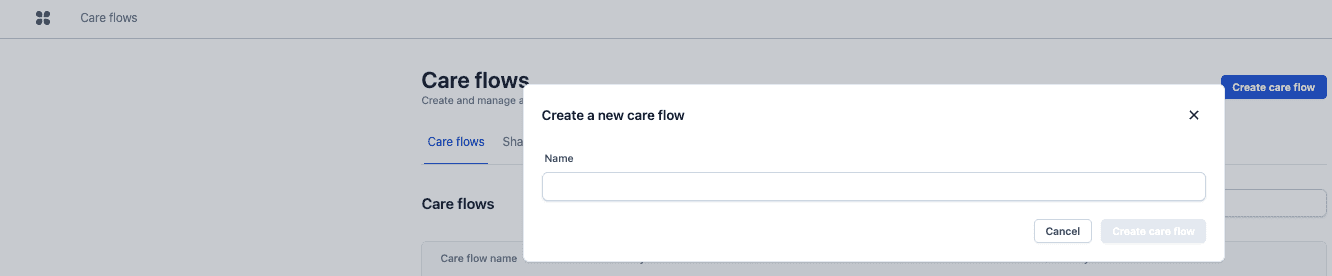
Studio opens the Build page of the new flow, with a Default track ready. Add a step to the canvas, or open the step library to reuse one.
A care flow can be renamed later under Settings → General, and renaming changes nothing else.
The care flow ID never changes
Awell generates a care flow ID when the flow is created, and it stays fixed for the life of the flow. It's visible in the URL:
https://studio.awellhealth.com/pathways/BU4s2ZvZMKCe
                                        ^^^^^^^^^^^^
That ID is how engineers, the API and the data warehouse all refer to this care flow. When two flows have similar names, the ID identifies them unambiguously.
Next steps
Next: Organize a care flow with tracks. Before adding steps, decide the phases they belong to.
For a flow close to an existing one, duplicate it rather than starting from scratch.
Monolithic vs modular care flow design
How to decide where one care flow ends and another begins, and how much to put in a single track, based on what Awell has seen work.
Organize your care flow with tracks
Split a care flow into phases so it stays readable, and understand how tracks decide what happens when and for whom.