
How you work in Awell Care
The views Awell Care provides out of the box, from patient lists to task lists to the activity feed, and which one fits which way of working.
Awell Care is where live care flows are operated and where stakeholders complete their activities. It offers several views over the same data, because teams work differently. Some people think in processes and timelines, others in task lists with due dates, switching between the two depending on whether the job is task management, long-term planning, or coordinating a team.
What each view shows
Patient list
A searchable list of every patient and the starting point when the person is already known.
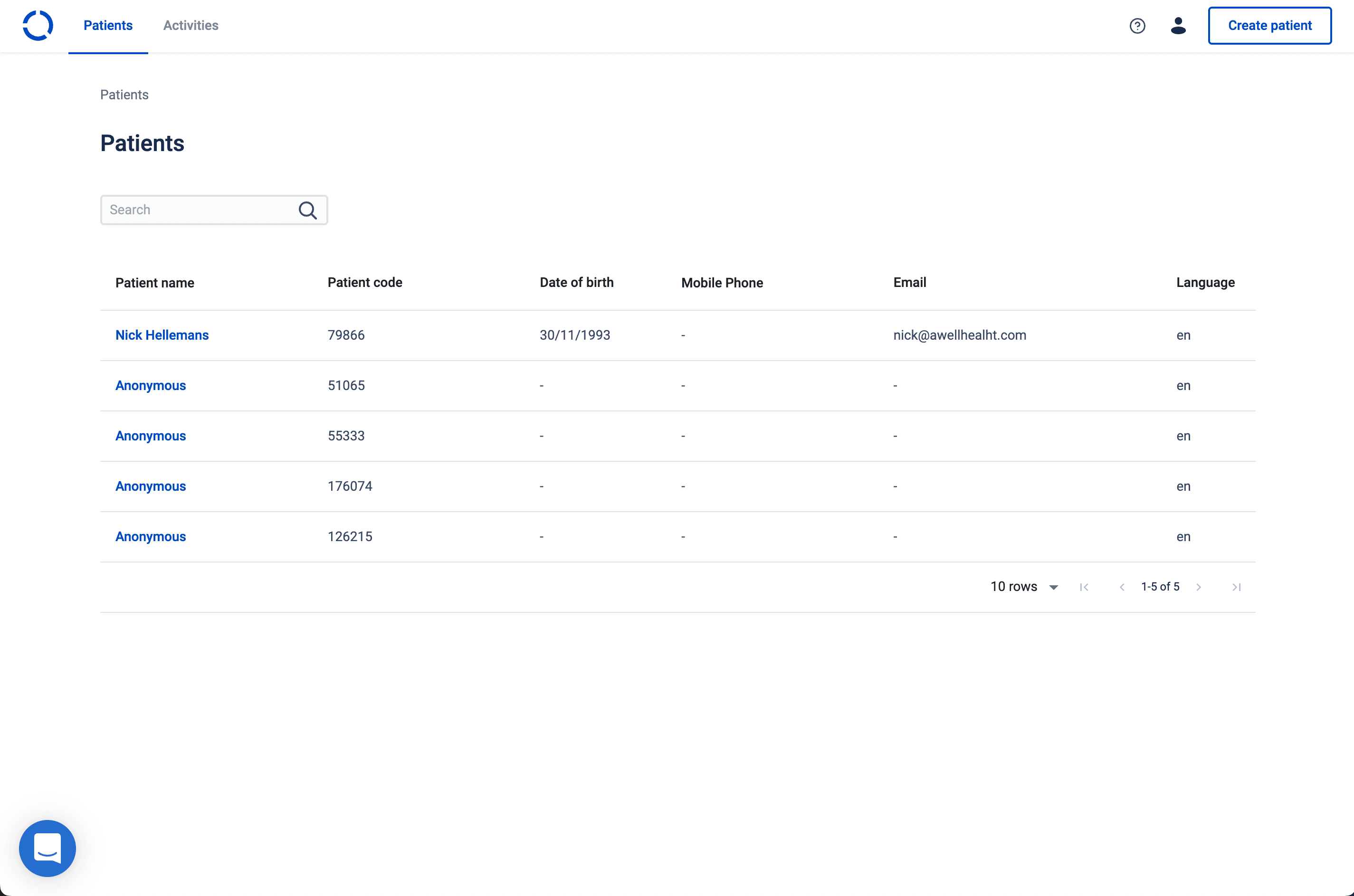
Create patient
A care flow can only run for a patient, so a patient record comes first. See Create patients.
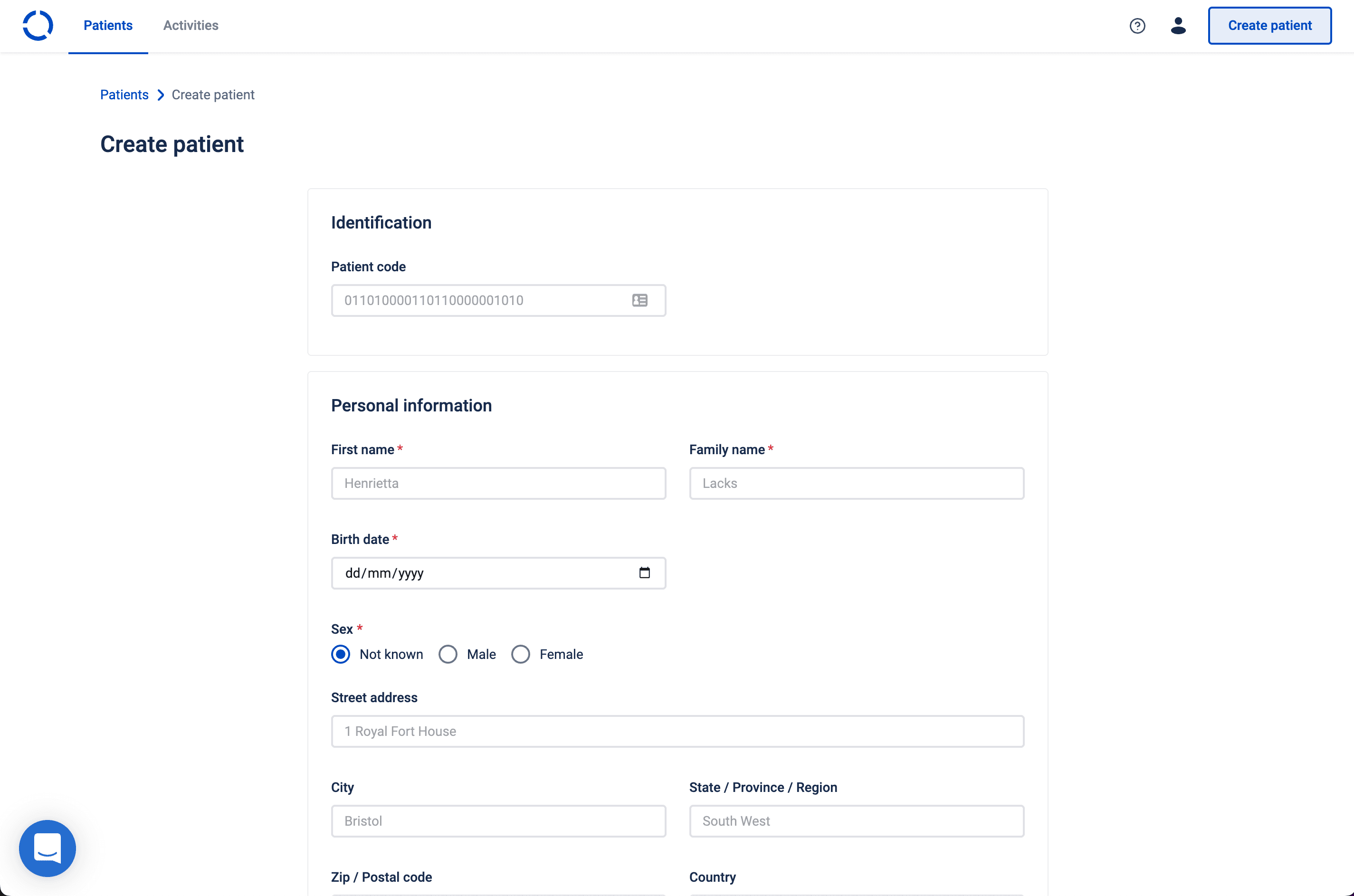
Patient profile
Everything about one person: their details, their care flows, and their pending activities. See View and edit a patient profile.
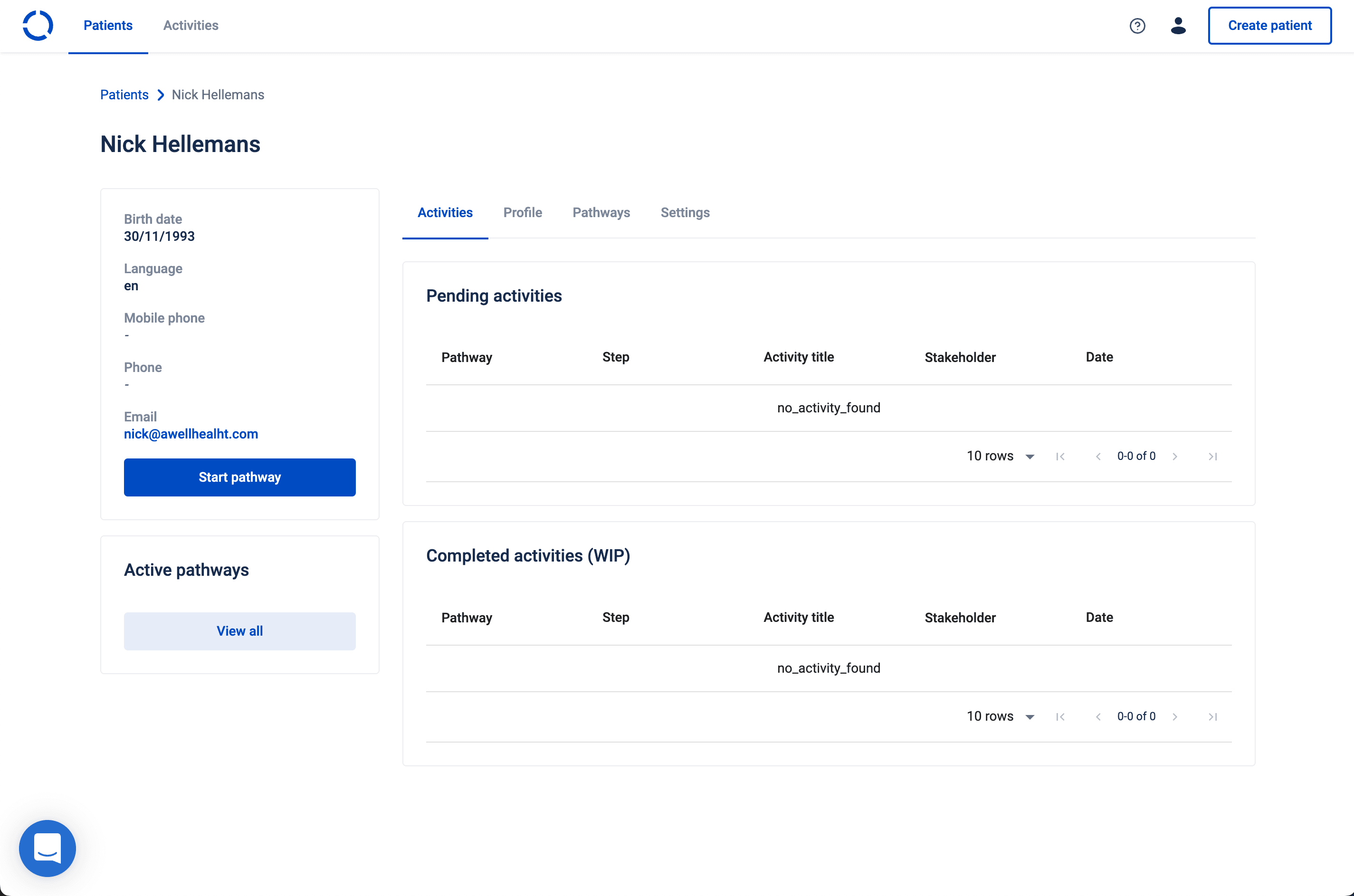
Task list
What's pending and who it's assigned to. Use it for "what does the team need to do today" rather than "what's happening with this patient". See Follow up on pending activities.
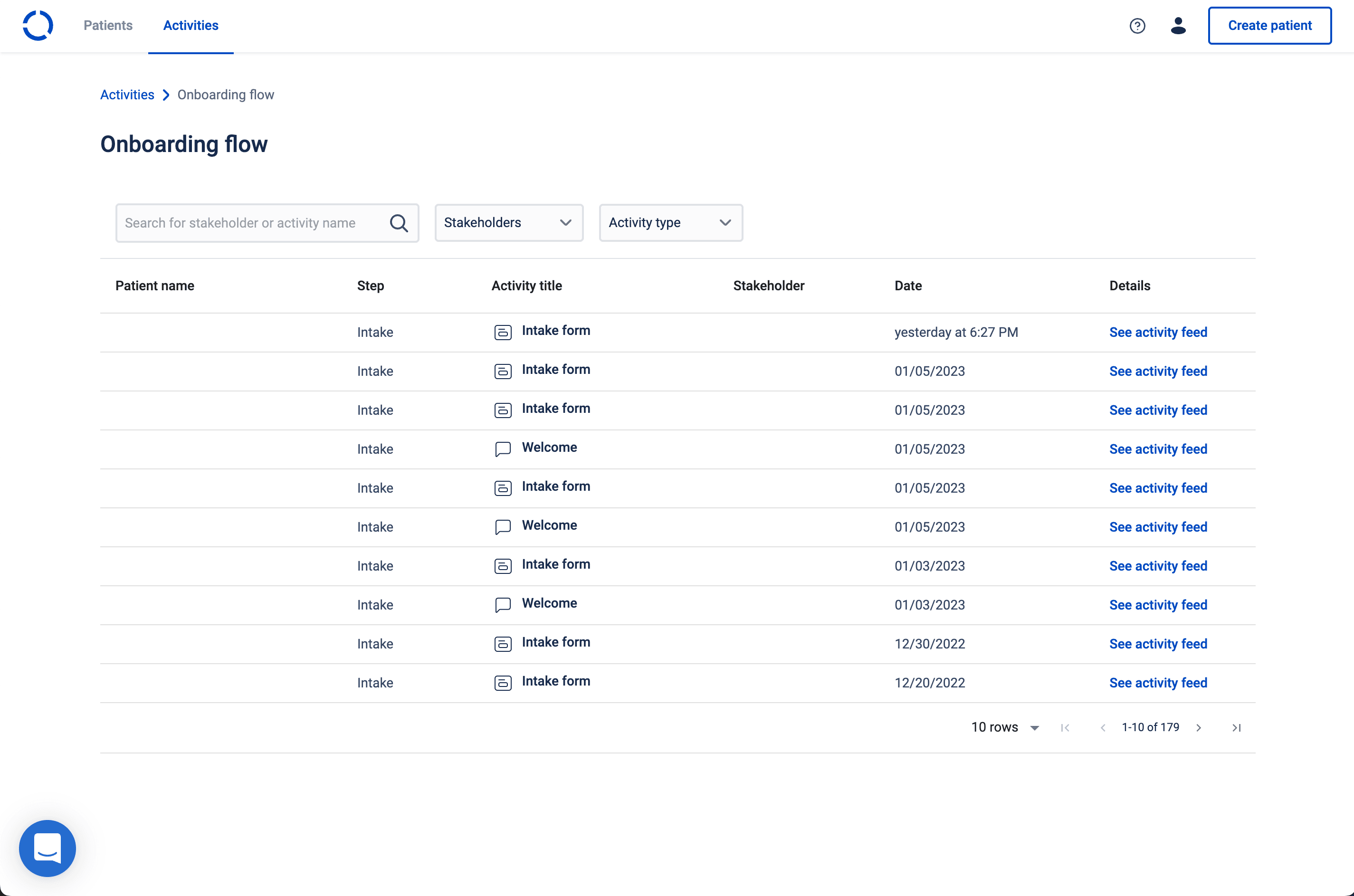
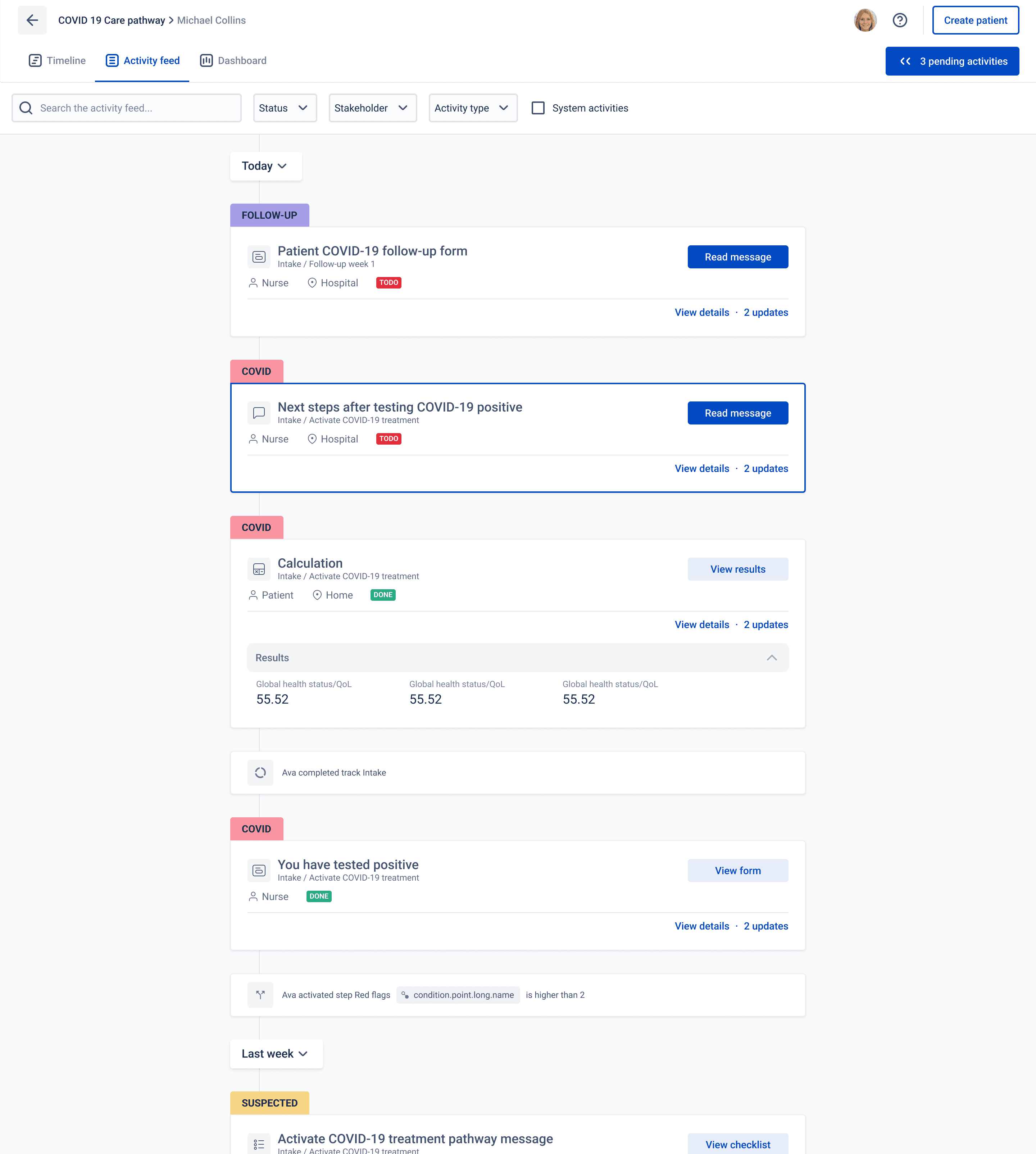
Activity feed
A detailed view of past, present and future activities along a linear timeline, which is the closest thing to "what has happened to this patient, in order".
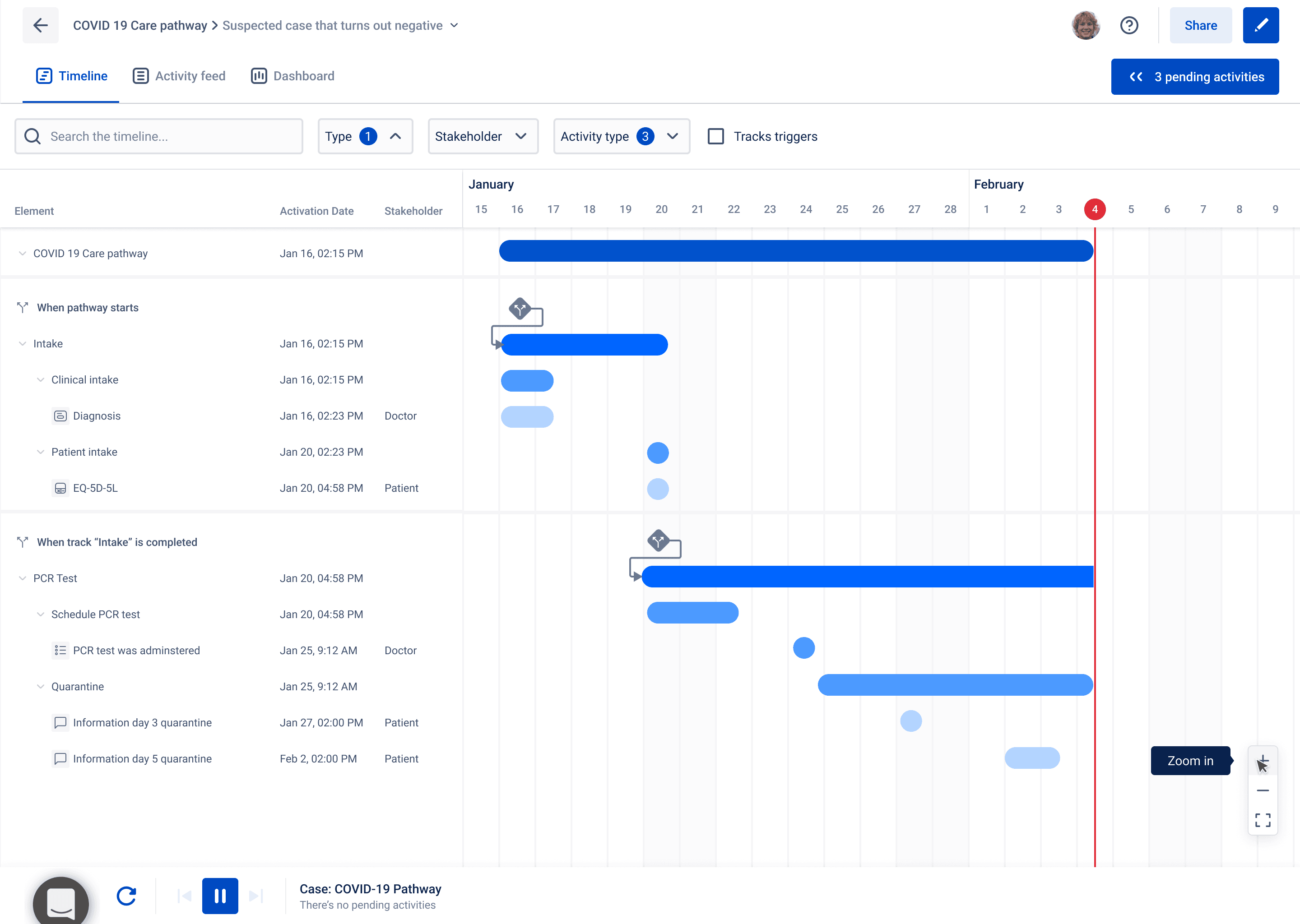
Timeline
When each activity was activated and completed, which is the view for spotting delays rather than reading content.
Which view answers which question
- To follow one patient: patient profile, then activity feed.
- To work through one role's to-dos: task list, filtered to that role.
- To find out why something happened or didn't: activity feed, then audit logs. See Review and interact with care flow activities.
Next steps
Next: Create patients, the prerequisite for everything else here.