
Set your organization's branding
Apply an organization's logo and styling to the Awell platform and to the Hosted Pages patients see.
Branding is set separately for the platform the care team uses and for the Hosted Pages patients see.
Platform branding is what the care team sees
- Open Settings, at the bottom of the left navigation.
- Open the Branding tab.
- Upload the logo with the Change button.
- Click Save.
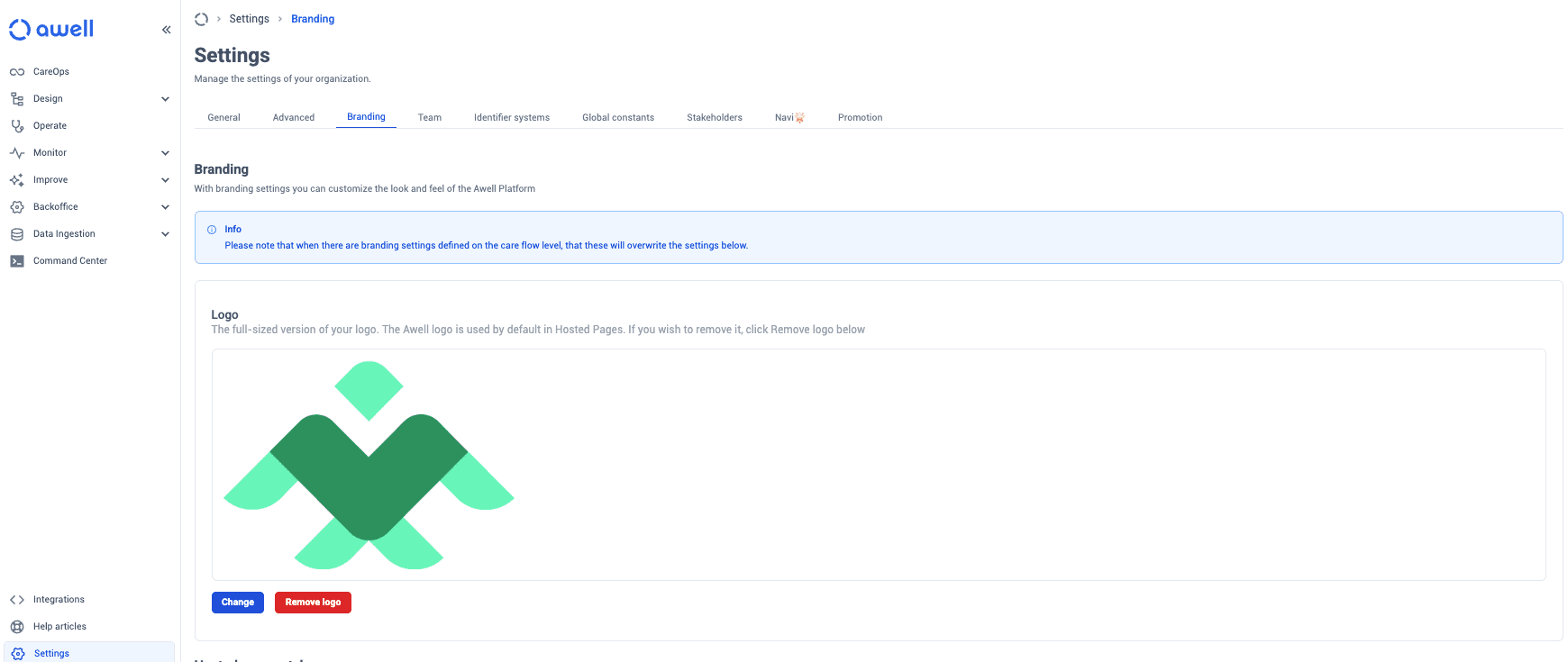
Refresh the browser and the branding appears in the sidebar.
Awell Panels carries its own color setting, separate from this one. See Set the accent color in Panels.
Hosted Pages branding is what patients see
A patient asked for health information on an unbranded page has no way to tell who's asking. See Hosted Pages settings, and Set a custom domain so the URL matches too.
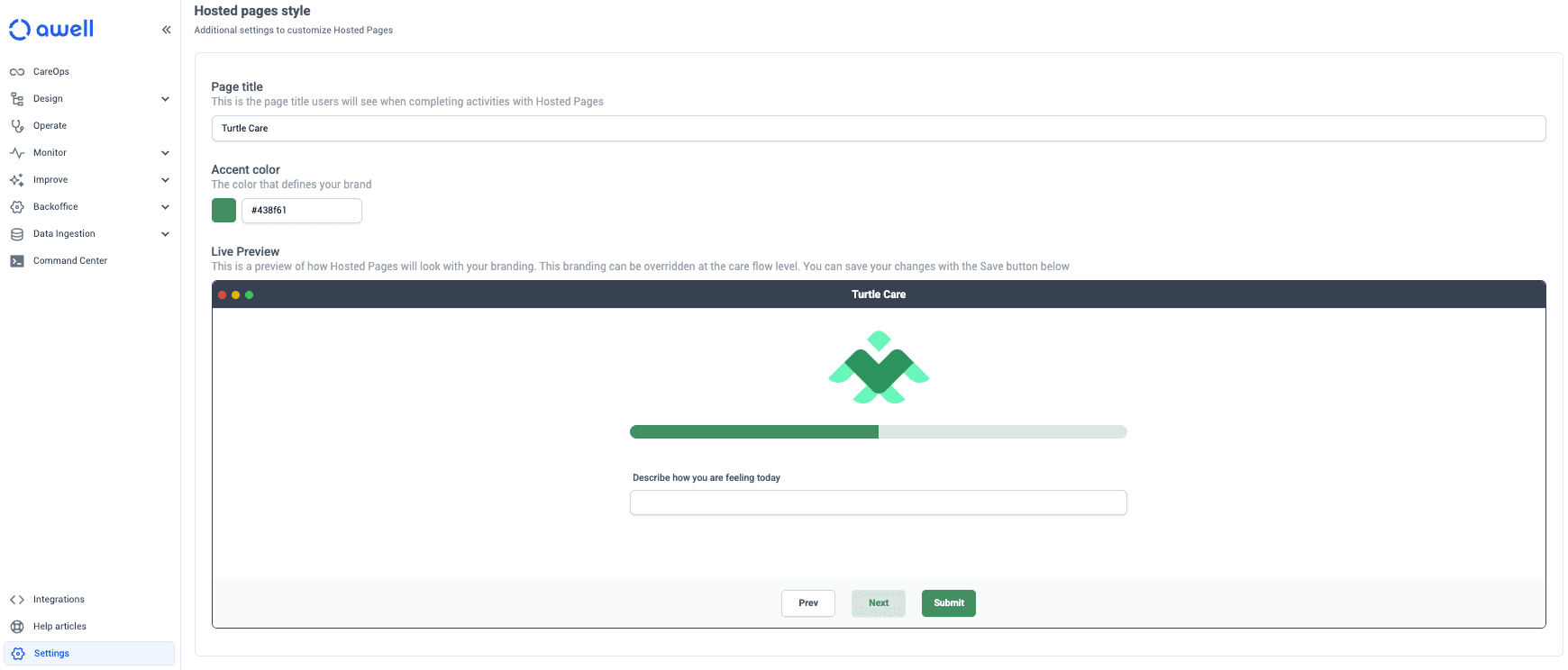
Set branding in every environment
Branding is per environment, and it's on the go-live checklist. Setting it in Sandbox does not set it in Production, so a live care flow can still show patients an unbranded page.
Next steps
Next: Set working hours for patient contact — the hours a care flow is allowed to reach patients.